The Network
Installer
← All articles

Plan switch power for cameras and Wi-Fi

Technician checking network switches and orange patch cords

Inventory the power draw

Write down the maximum power required by each powered device. Use the model documentation and include accessories that draw power from the device.

Check each switch separately

Compare the total against the amount the switch can deliver on its PoE ports. Check each port’s capability as well as the total, and verify the available budget for the installed power supply.

Leave room for growth

Agree on spare ports and power headroom based on planned additions. Test priority devices after installation and record which switch powers each one.

Equipment installation · Related planning guide

Open the poe budget calculator

Request a Quote

Free Site Visit & Consultation

Fast estimates and same-day quotes are available when we have enough detail to price the work. Tell us about your site and what you need installed.

tech@thenetworkinstaller.com

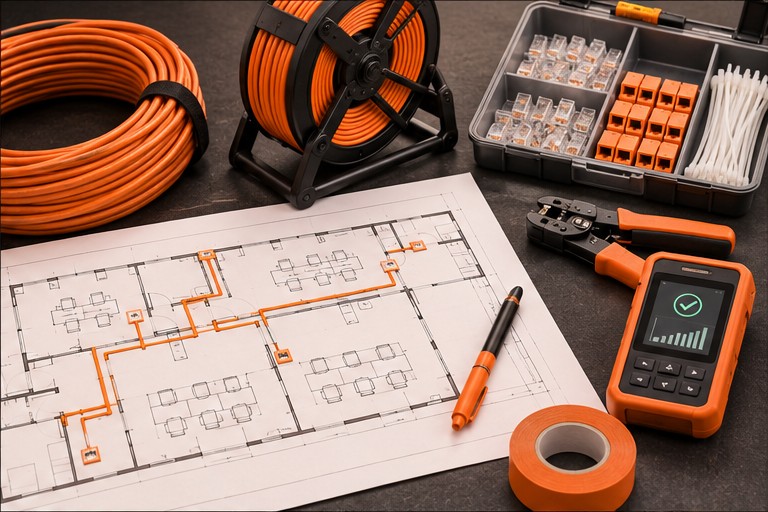
Cable routing plan and installation tools

What to have ready

Have the project address, property type, target date, and a floor plan or site photo ready. If you have multiple sites, include the site count and any differences in scope.