

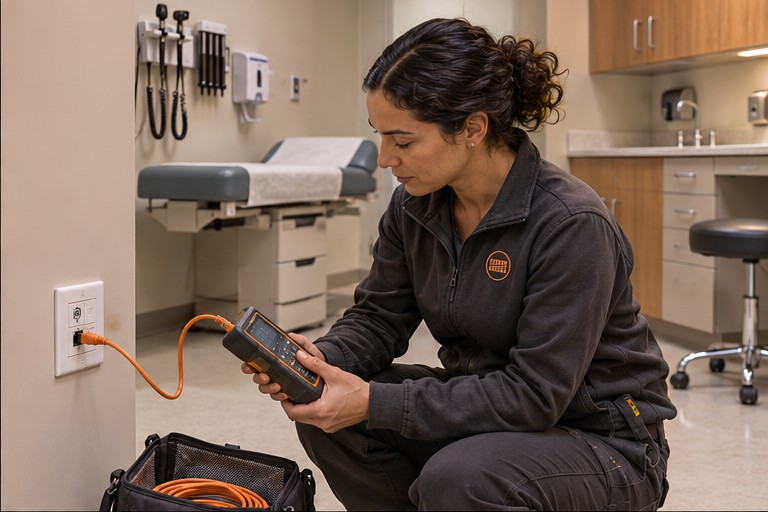
How the work comes together
Confirm room access, downtime windows and test documentation before work.
- Coordinate room availabilityWork with facility staff to identify rooms that can be taken out of use and for how long.
- Track outlet verificationTie each test result to its labeled outlet and confirm the records with the facility IT team.
- Review the resultsAgree on which connections and records your IT team needs at handoff.
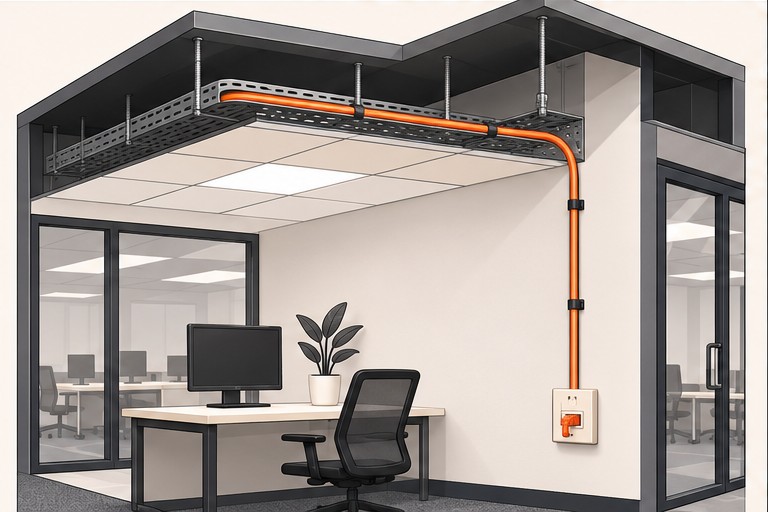
Testing the installation
Tie each test result to its labeled outlet and confirm the records with the facility IT team.
See the testing and handoff guide
Healthcare video
Frequently asked questions
What should we check before the work starts?
Work with facility staff to identify rooms that can be taken out of use and for how long.
What should we verify before handoff?
Tie each test result to its labeled outlet and confirm the records with the facility IT team.
How can we get a quote?
Share your site details, schedule and any access or downtime constraints.
Related industries
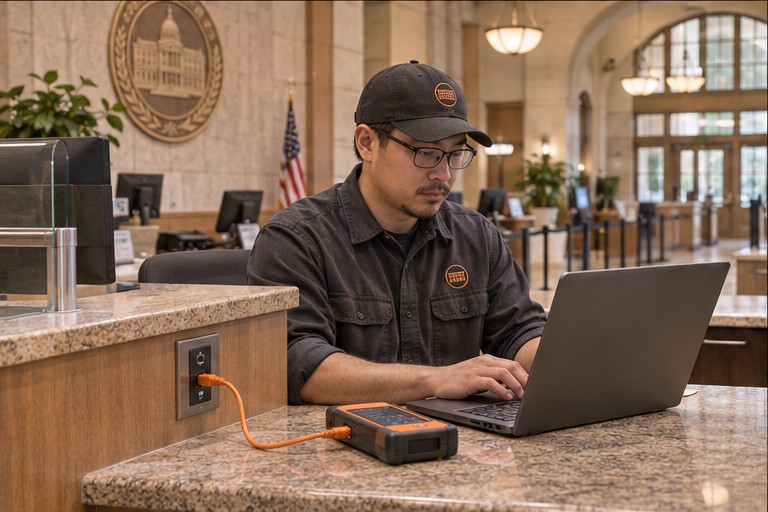 Government
 Tech companies
Services for this setting
Free planning tools
Free Site Visit & Consultation
Fast estimates and same-day quotes are available when we have enough detail to price the work. Tell us about your site and what you need installed.
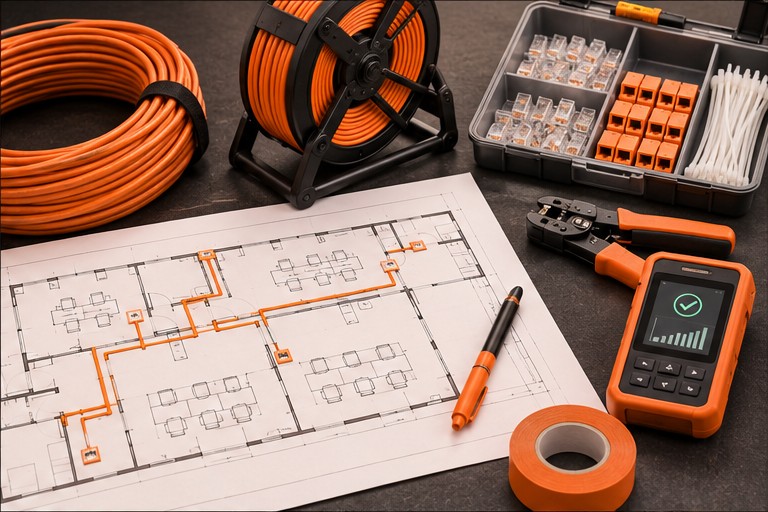
What to have ready
Have the project address, property type, target date, and a floor plan or site photo ready. If you have multiple sites, include the site count and any differences in scope.